I had a rare opportunity last year: a client who was willing to let me run the same house twice. They'd been living with dead zones in the upstairs office and back bedroom. We agreed to test two setups — a three-node mesh system for one week, then a wired access point setup the following week — and compare the results with the same speed test methodology at the same locations.
1 · The test setup
The house: 3,000 sq ft, two-story, 1990s construction, drywall interior walls, one brick exterior wall facing the backyard. ISP: Cox Gigablast (advertised 1 Gbps down / 35 Mbps up).
Setup A — Mesh: eero Pro 6E, three-node setup ($549 retail). Nodes placed in the living room (primary), upstairs hallway, and kitchen. Wireless backhaul on the 6 GHz band between nodes.
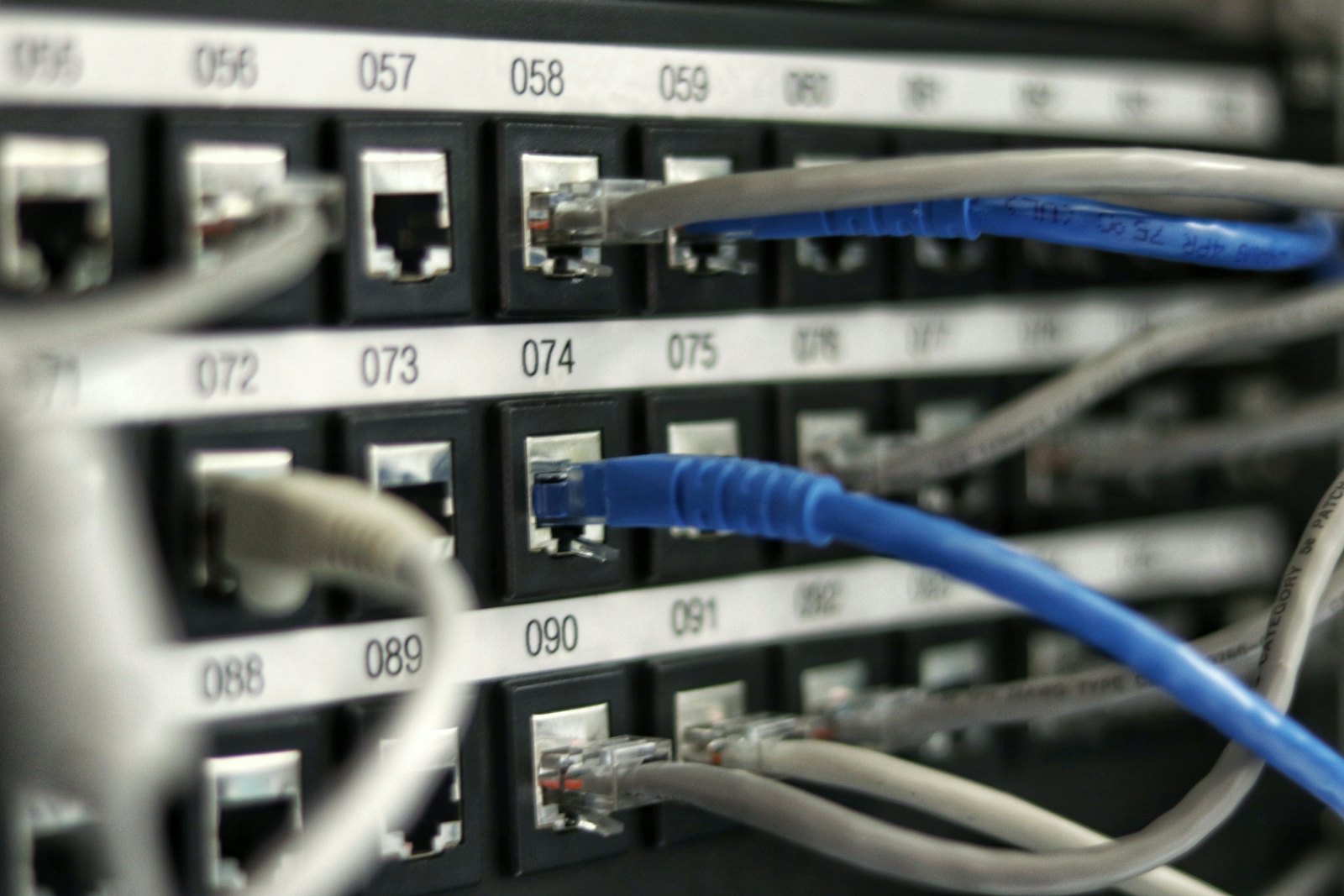
Setup B — Wired APs: Single ASUS RT-AX86U router ($180) + two Ubiquiti UniFi U6 Lite access points ($100 each). Ethernet run from router to each AP through the attic. Total hardware: $380.
I tested at seven locations around the house using a consistent methodology: Speedtest CLI on a MacBook Pro at each location, five tests averaged, tested at 8 PM (moderate household load) and 11 PM (low load).
2 · Results: speed and coverage
At every test location, the wired AP setup outperformed mesh on raw throughput. The differences ranged from 15% better in rooms directly adjacent to a node, up to 40% better at range — specifically in the back bedroom that was farthest from any node. Latency was consistently lower on the wired setup: average 4ms vs 11ms on the mesh. Packet loss during a 30-minute Zoom simulation: 0.1% wired, 0.8% mesh.
Dead zones: the wired setup eliminated them entirely. The mesh reduced them significantly but the back bedroom still showed occasional signal drops, particularly on video calls.
Mesh nodes talk to each other over WiFi — the same medium they're serving clients over. Each wireless hop cuts theoretical throughput roughly in half. A wired backbone doesn't share bandwidth with clients at all, which is why the performance gap widens with distance from the primary node.
3 · The surprising loser
Here's what I didn't expect: the wired setup lost in the upstairs bedroom directly above the mesh node in the hallway. The numbers were nearly identical — within 2 Mbps on throughput and 2ms on latency — but the mesh had one advantage I hadn't anticipated: seamless roaming.
The client's daughter does homework on a laptop and moves between her bedroom, the hallway, and the kitchen multiple times over an evening. On the wired AP setup, her laptop occasionally held onto the farther access point too long, causing a 3–5 second reconnect as she moved rooms. The eero mesh handled the roaming invisibly. For a device that moves, mesh's coordinated handoff is genuinely better than the standard 802.11r roaming that most consumer APs implement.
4 · When to choose each
Choose wired APs if: you can run ethernet to the locations that need coverage (attic access helps enormously), you prioritize raw throughput and latency, your household's devices are mostly stationary (desktops, TVs, gaming consoles), or you have masonry or foil insulation that defeats wireless backhaul anyway.
Choose mesh if: you rent or can't run cable, your household has a lot of moving devices (phones, laptops), your floor plan is open enough that wireless backhaul performs well, or you want a setup that a non-technical household member can manage.
My default recommendation: run ethernet to as many locations as you can, then use good mesh nodes at the endpoints. A hybrid setup — wired backhaul, mesh client radios — gets you the best of both. The eero Pro 6E supports wired backhaul if you connect a node via ethernet. That's the setup I'd build if I were doing this house from scratch.